

Getting Started with Zoom: Download and First Call
Learn how to download Zoom, create your account, and join your first video meeting in about 10 minutes. Covers both computer and tablet versions.
Read GuideLearn Zoom, WhatsApp, and Viber at your own pace. Perfect for adults over 50 in Panevėžys.
Video Calls Made Easy
Messaging & Sharing
Safe & Secure
Learn Anytime
Stay connected with family and friends using the most popular platforms today.
See your grandchildren's faces in real-time. Video calls bring families closer together, no matter the distance. We'll show you how to set up your first call in minutes.
Send pictures, documents, and voice messages instantly. WhatsApp makes sharing simple and fast. We'll teach you the best ways to organize and find your shared content.
Show your screen during calls to get tech support or explain things visually. Zoom's screen sharing is perfect for troubleshooting with family or friends.
Adults over 50 can master these apps with the right guidance and clear instructions. You don't need to be tech-savvy. We break everything down into clear, manageable steps that anyone can follow.
Read Zoom GuideEach guide includes clear screenshots and numbered instructions so you're never confused.
Troubleshooting guides for common problems like sound issues or camera problems.
Learn best practices for video calls, screen sharing, and keeping your account secure.
By the end, you'll be confident using all three platforms for everyday communication.
Downloading Apps
Account Setup
Making Calls
Screen Sharing
File Sharing
Privacy & Security
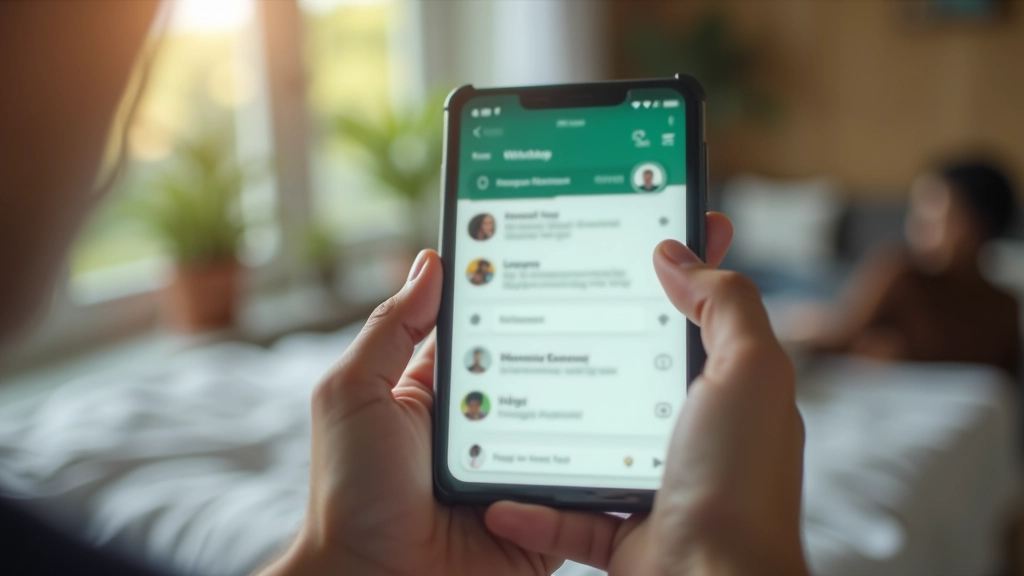
We're here to answer your questions and help you get started. Reach out anytime — no question is too basic. We understand that learning new technology takes time, and we're patient with every step.
Contact Us TodayBased in Panevėžys. Available to help adults of all tech levels.
Start with any of these practical guides. They're designed for beginners and include step-by-step instructions.
Learn how to download Zoom, create your account, and join your first video meeting in about 10 minutes. Covers both computer and tablet versions.
Read Guide
Everything you need to know about messaging on WhatsApp. We'll cover text messages, photo sharing, and voice messages with clear step-by-step examples.
Read Guide
Learn to share your screen during Zoom calls so others can see photos, documents, or websites. Includes tips for sharing just one window or your entire screen.
Read GuideFind answers to questions we hear most often from people learning these apps.
No. You can use Zoom on a smartphone, tablet, or computer. Many people find tablets easiest because the screen is larger than a phone but smaller than a computer.
Yes, WhatsApp is completely free. You only need internet connection through WiFi or mobile data. There are no hidden fees or charges.
Yes, if both people have cameras and turn them on. Video calls let you see the other person's face. Voice-only calls are also available if you prefer.
We have a complete troubleshooting guide for audio and video problems. Common fixes include checking device settings, granting app permissions, and testing equipment before calls.
We recommend only calling people you know. All three apps have privacy settings you can adjust. Never share personal information like passwords or bank details during calls.
Yes, you can save messages and recordings. Different apps have different features. Our guides explain exactly how to save and find your important conversations.
We're here to help. Send us your question and we'll answer it as soon as we can.
Ask a QuestionWe use cookies to improve your experience. By continuing to use this site, you agree to our cookie policy.